

Quick start
Open Cartomi and start typing. No account or installation needed.
Cartomi / Features
See how Cartomi makes it easy to create, share, and use grocery lists every day.
Open Cartomi and start typing. No account or installation needed.
Add items whenever you think of them. Check them off with one tap at the store.
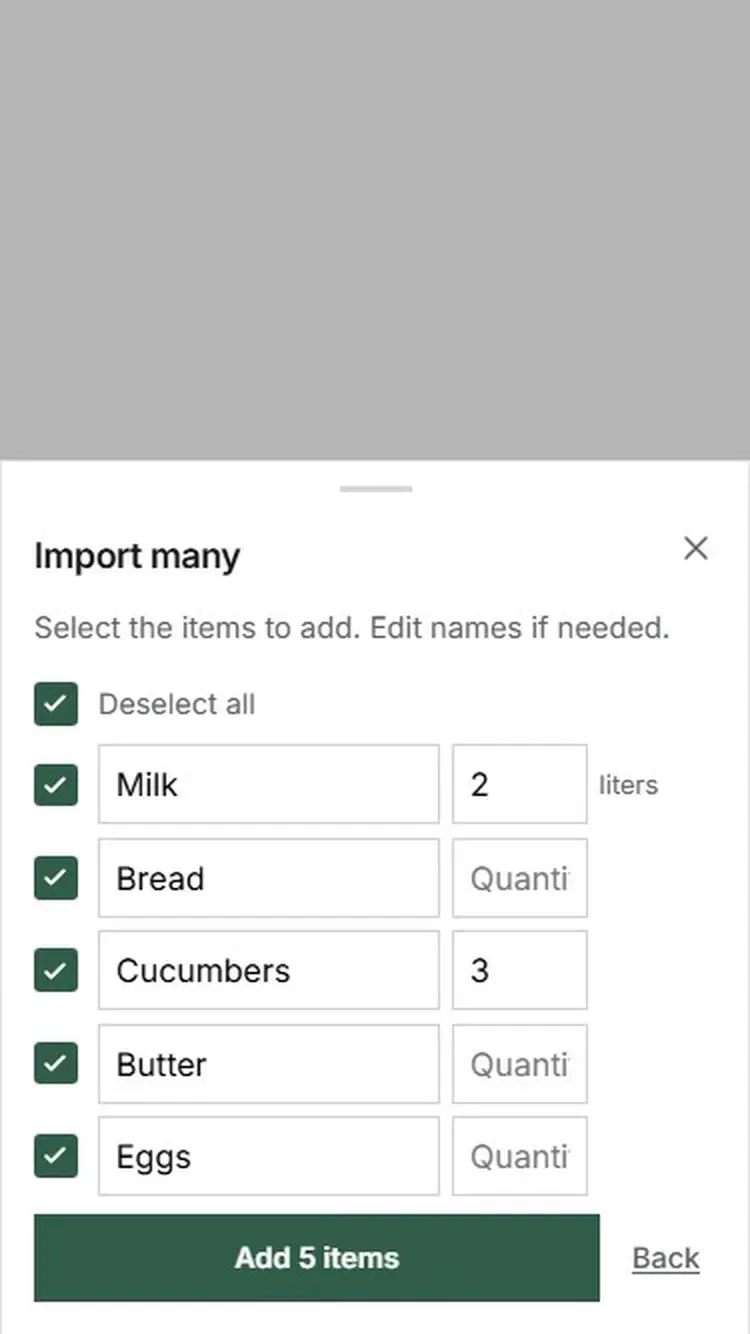
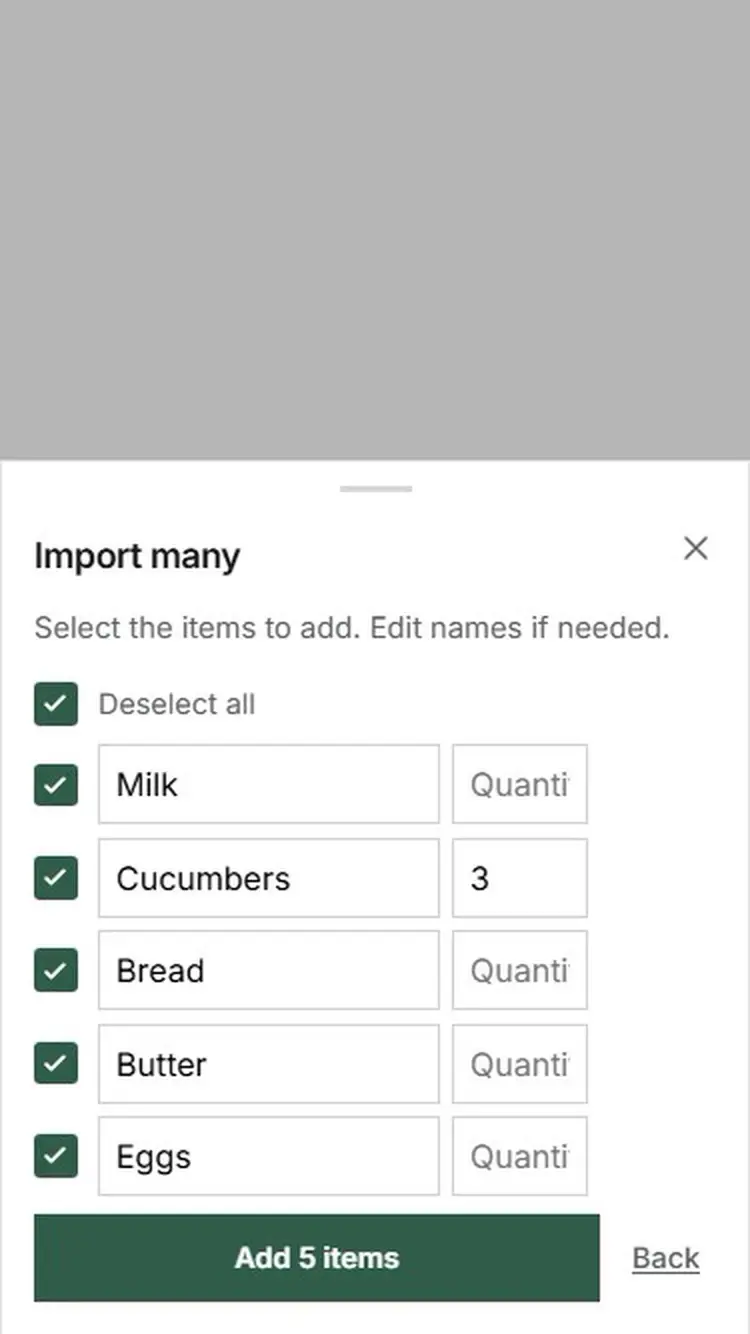
Paste an ordinary list. Clear quantities are recognized, and you review the items before they are added. This is free.
Add a note to an item so everyone knows what to buy. You can also see who added it.
Make the list more compact, and keep the screen on while you shop. This only applies to your own device.
Share the list with family or friends. Everyone can add and check off items.
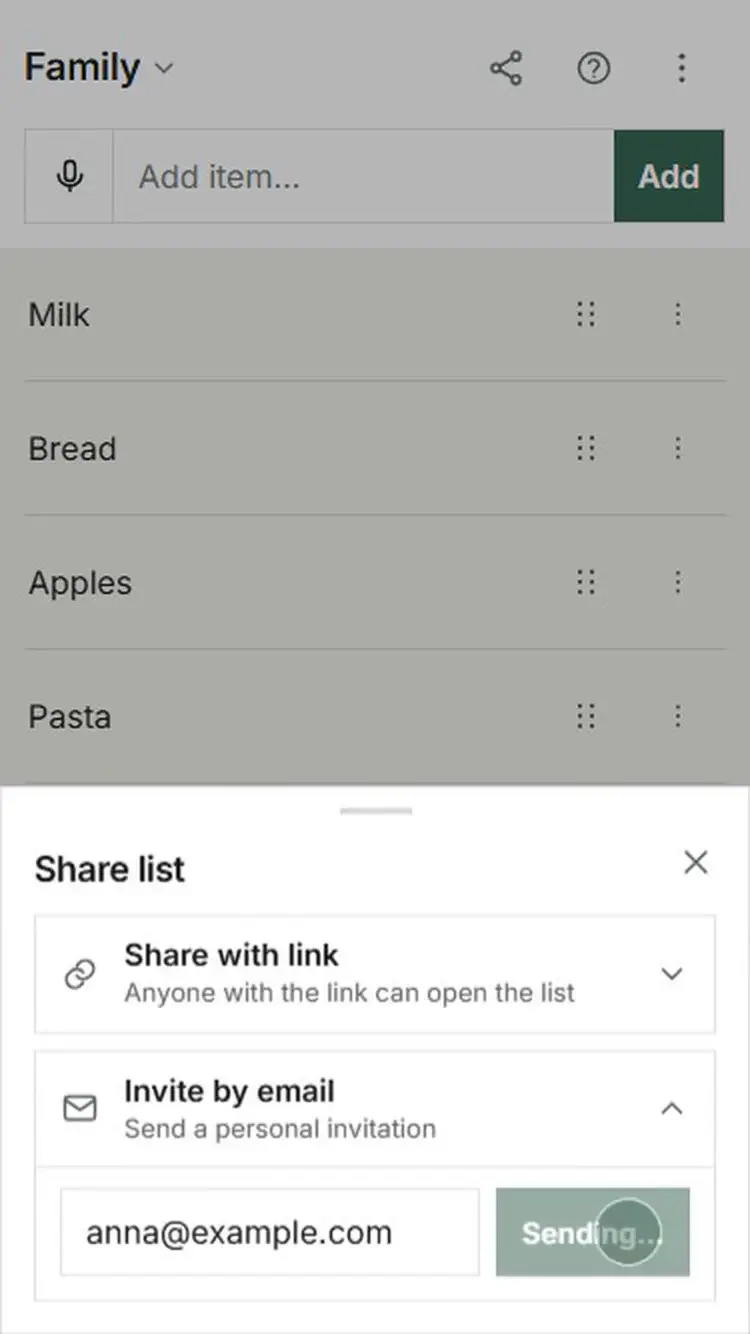
Create lists for family, a vacation home, or work. Share each list with who you want.
Use the list without internet. Changes sync automatically when you are back online.
Sign in with your email and use your lists on both phone and computer.
Add a photo to an item so everyone on the list can see which product to buy.
Take a photo of items, a shopping list, or a recipe. Cartomi recognizes items and ingredients.
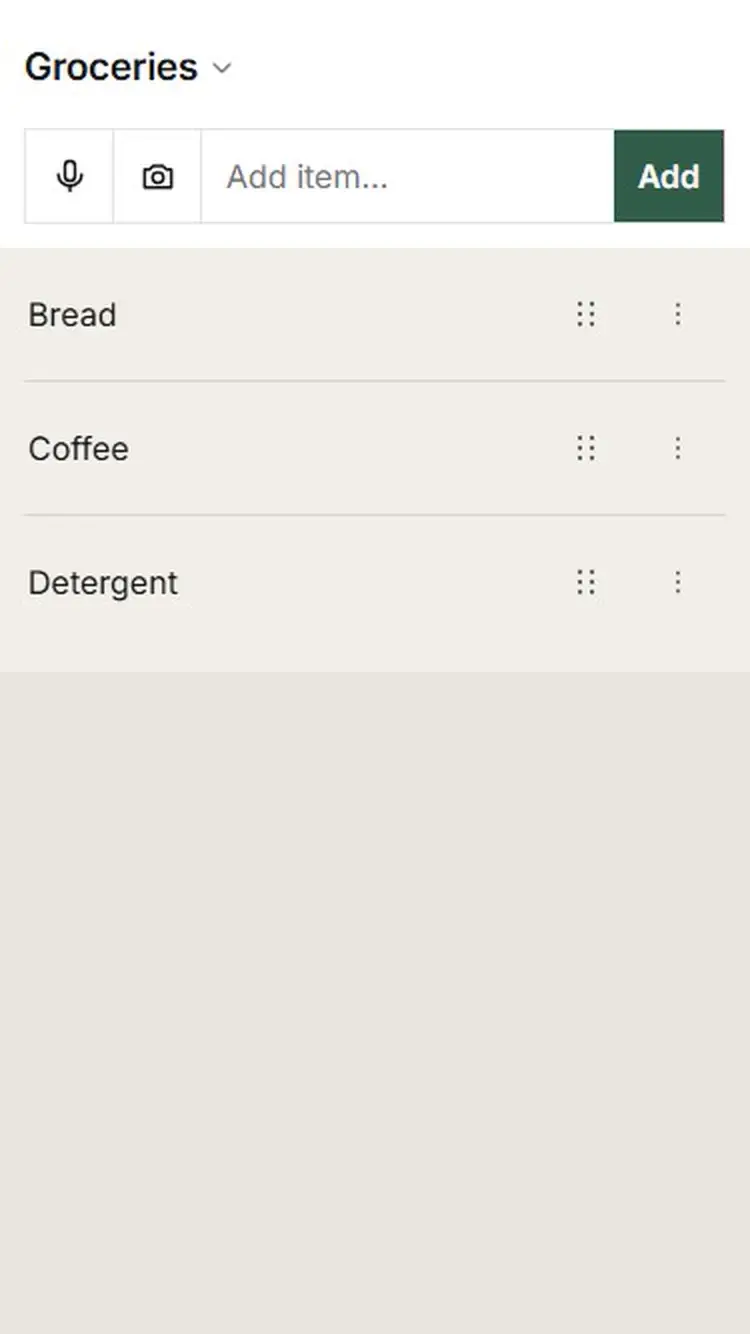
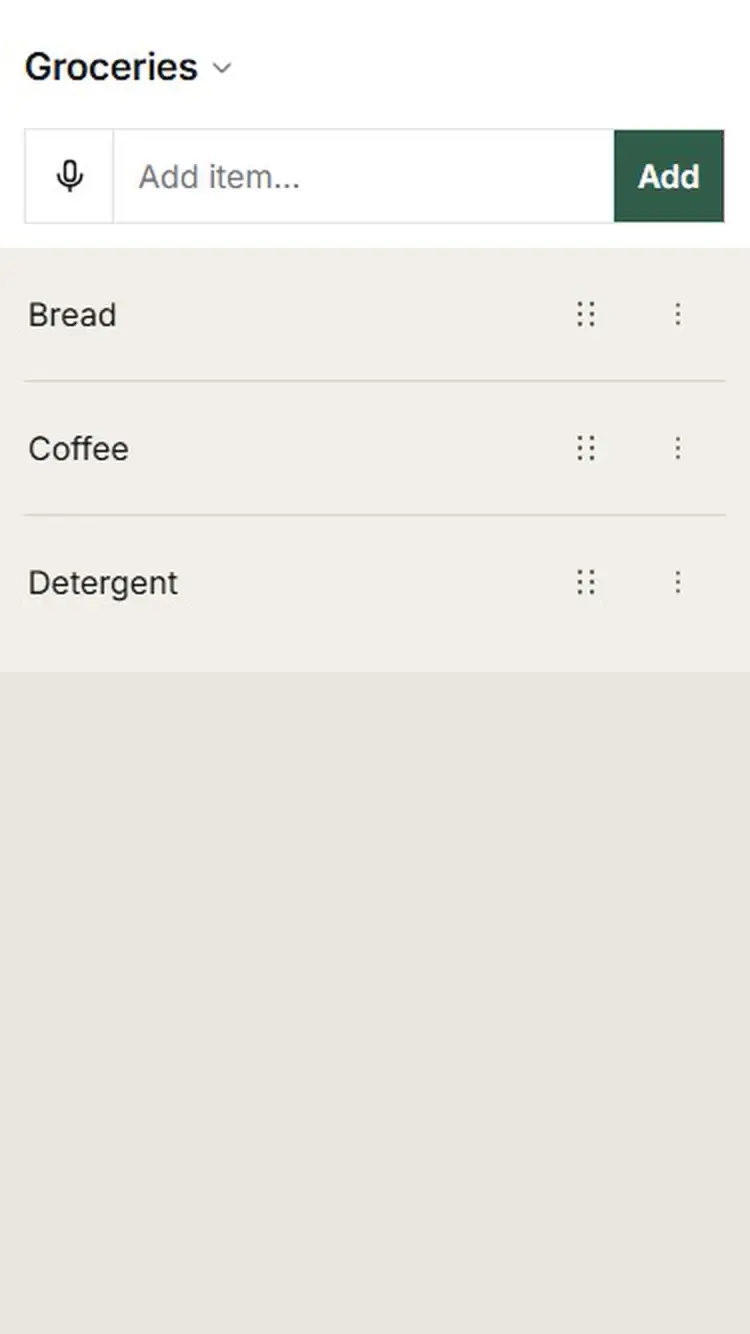
Say e.g. “milk, bread, and bananas”, and Cartomi finds the items and gets them ready for your list.
Paste a message or a recipe. Cartomi finds the items and their quantities, and you choose what goes on the list. An ordinary list can still be imported for free.
Try free for 90 days
No payment card. No automatic charge afterwards.
$4/year per person if you choose to continue.
Only the person who adds Plus content needs Plus. Everyone on the list can use it.
Free and ready to use. No account needed.
Create your grocery list